![(please configure the [header_logo] section in trac.ini)](/trac/chrome/site/nlp-logo.png)
| Version 24 (modified by , 13 years ago) ( diff ) |
|---|
Supported Platforms
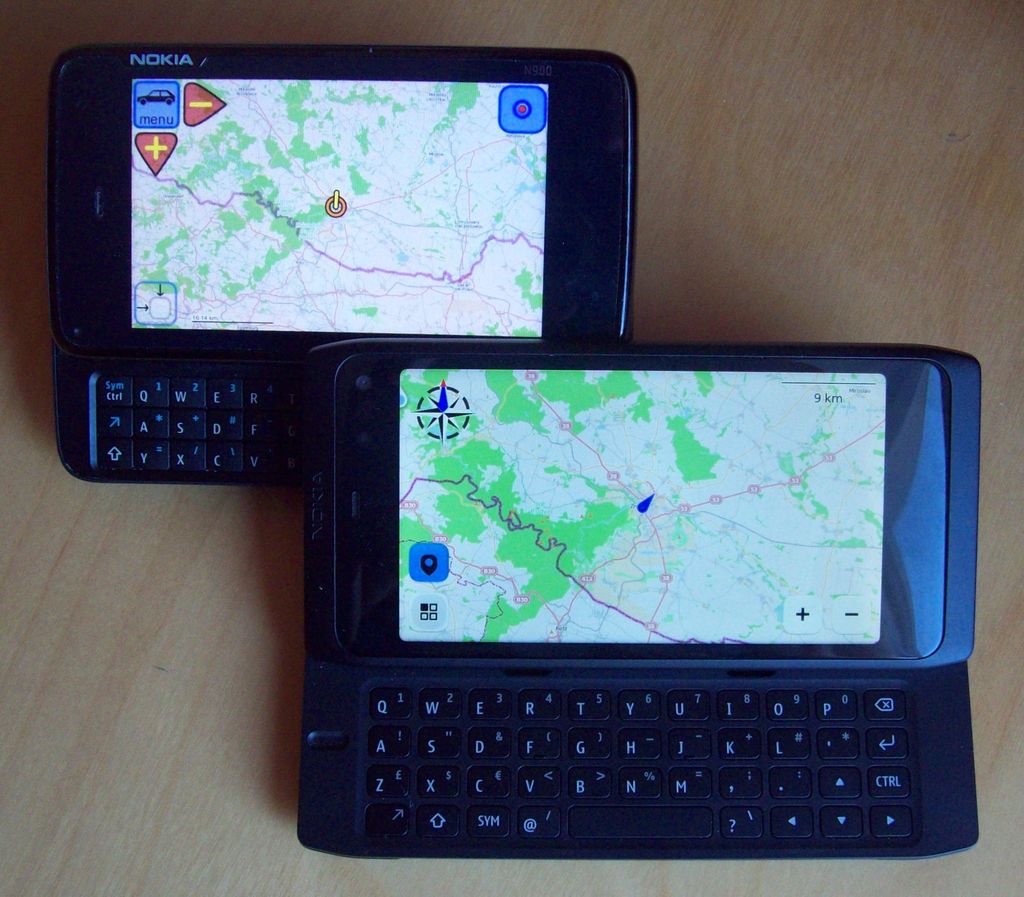

This section describes platforms currently supported by modRana. Other platforms have simply not been tested yet :)
Following software packages are needed for running modRana with the GTK GUI:
- Python 2.5+
- PyGTK
- Cairo
- Simplejson (optional)
- espaek (optional)
To run the Qt GUI you will need:
- Python 3+
- Qt 5.1+
- PyOtherSide
Nokia N900 + Maemo
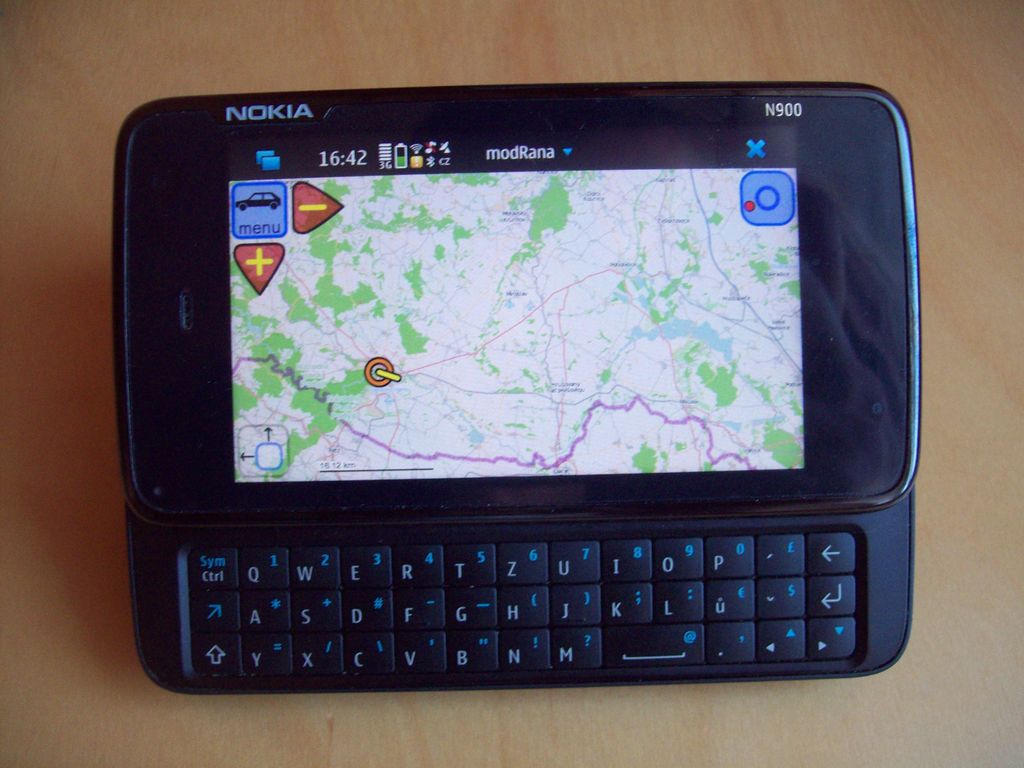
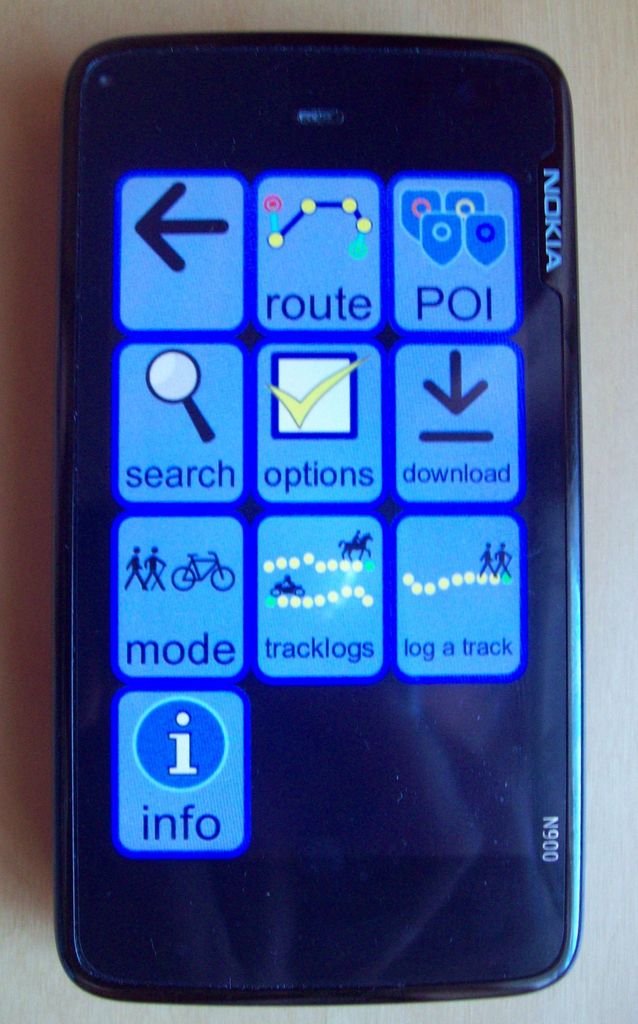
the left window shows modRana running in the scratchbox Maemo 5 simulator
TODO: add a photo of N900 running modRana
ModRana is available for Maemo from the Extras-devel repository - just start the application manager, go to the "location and navigation" and select "modRana" for installation. :)
Platform compatibility:
- modRana is installed to /opt/modrana
- the map tiles are stored in /home/user/MyDocs/.maps
- modRana shares the map tiles with other navigation apps on Maemo
- when using SQLite tile storage, tiles are not shared as no other applications (currently) support SQLite tile storage
- SQLite tile storage is much more efficient than file storage due to the properties of the FAT32 filesystem in MyDocs (64 KB clusters -> each file has at least 64 KB).
- desktop icon is included
- GPS support is tested and working
- fullscreen & portrait mode support
- automatic GUI rotation using the accelerometer (can be turned off in Options)
- screen dimming control (has several modes, can be configured in Options)
- volume keys are used for map zooming
- modRana uses native Maemo5 notifications and has a Maemo5 application-menu(a menu activated by clicking on the window title)
Sailfish OS
ModRana runs fine on Sailfish OS and is already available from the OpenRepos application repository.
Harmattan @ Nokia N9 and N950
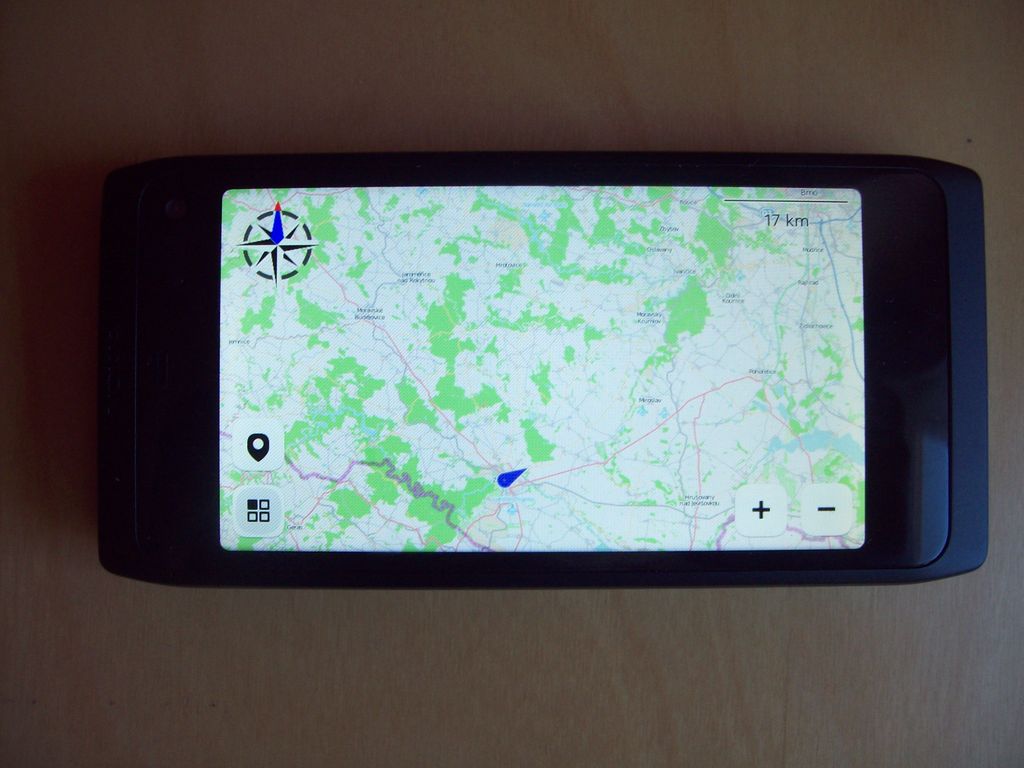
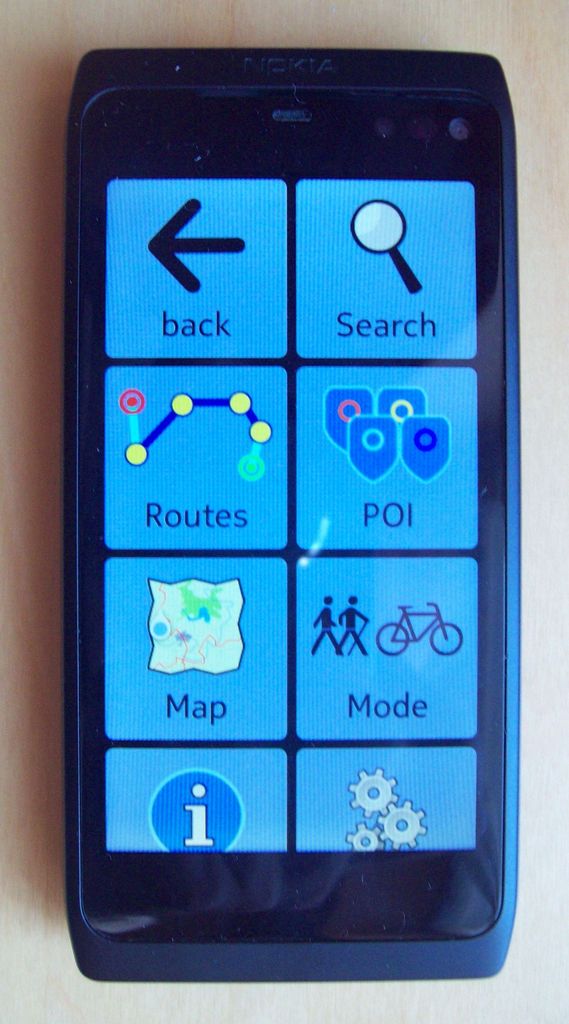
ModRana with the QML GUI runs just fine on Harmattan. The QML is quite basic at the moment though.
modRana Harmattan package repository
NeoFreeRunner @ SHR
The default SHR installation already has all the essential dependencies needed by modRana. To get spoken turn-by-turn directions, install espeak.
HP Touchpad
Under chroot on WebOS
It is possible to run modRana (with both GTK and QML UI) in chroot under WebOS.
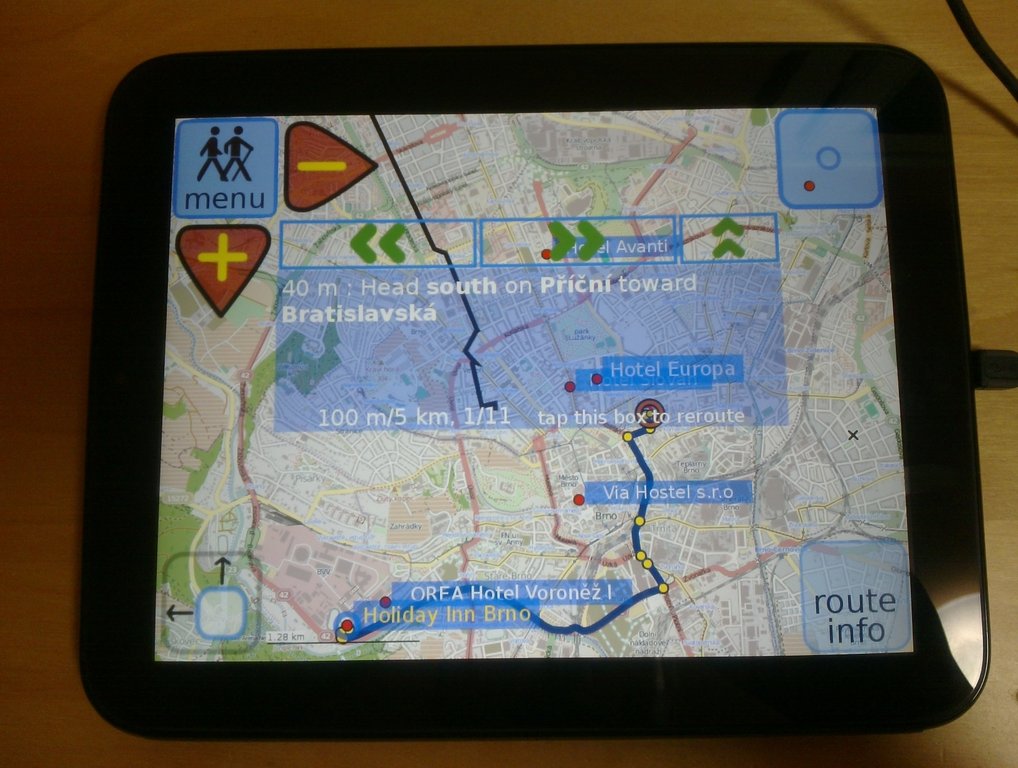
As the Touchpad has no GPS, GPS access was not tried.
Touchpad chroot - image gallery
Touchpad chroot - Youtube video playlist
Smart Q7/V5

ModRana works on this Chinese 7 inch Mobile Internet Device, which is running a modified Ubuntu 9.10. Users report that modRana also works on the SmartQ V5 tablet.
Use the Debian/Ubuntu modRana package for Q7.
- by default, tiles are stored in ~/.modrana/maps
- CAUTION:because the on device space on the Q7 is limited, it is advised to:
- change the tile storage path in user_config.conf (in the modRana root directory), or
- install modRana after initializing the on-card image file
Ubuntu / Debian

Packages for Ubuntu/Debian are availble in the download section. ARM and x86 versions of Ubuntu have been tested.
QtMoko
Users report, that modRana wors on the QtMoko distribution for Neo FreeRunner. It is reportedly also faster than on SHR.